
A Clear, Practical Architecture with Private Networks
As a business grows, its software systems grow with it.
More tools are added.
More data is stored.
More people need access.
At first, this feels manageable. Over time, it becomes fragile.
This article explains a practical way to run infrastructure for multiple clients using:
- Coolify as a centralized management and deployment control plane.
- Headscale to create private networks for each client
The focus is not on speed or novelty.
The focus is on clarity, separation, and long-term safety.
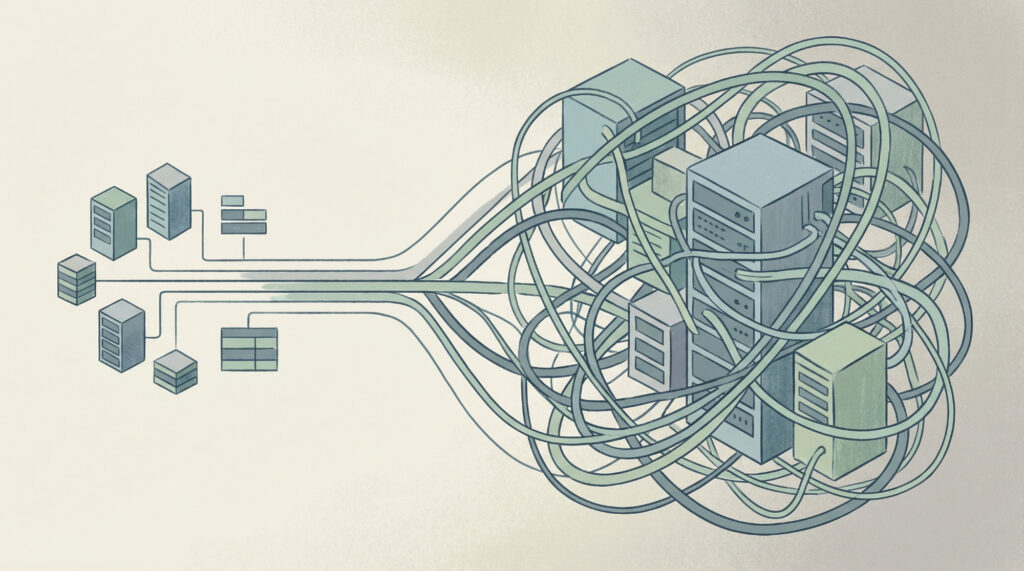
The Problem Most Growing Businesses Run Into
Many businesses start with a simple setup:
- One or two servers
- A few applications
- Public internet access everywhere
This works early on. It often works for longer than it should.
The problems usually appear slowly:
- Internal tools end up exposed to the internet
- Different clients or departments share the same infrastructure
- Access rules become unclear
- No one is fully sure who can see what
Nothing is “broken”.
But everything feels harder to manage.
This architecture is designed to prevent that situation.
The Core Idea in Simple Terms
There are two different roles in this setup:
- A management and deployment control plane
This is where systems are managed from. - Client environments
This is where each client’s applications and data live.
These two roles are kept separate on purpose.
High-Level Layout
Management and Deployment Control Plane
VPS-CONTROL-PLANE
- Runs Coolify
- Runs Headscale
- Does not host customer data
- Does not run customer applications
This server exists only to manage and coordinate.
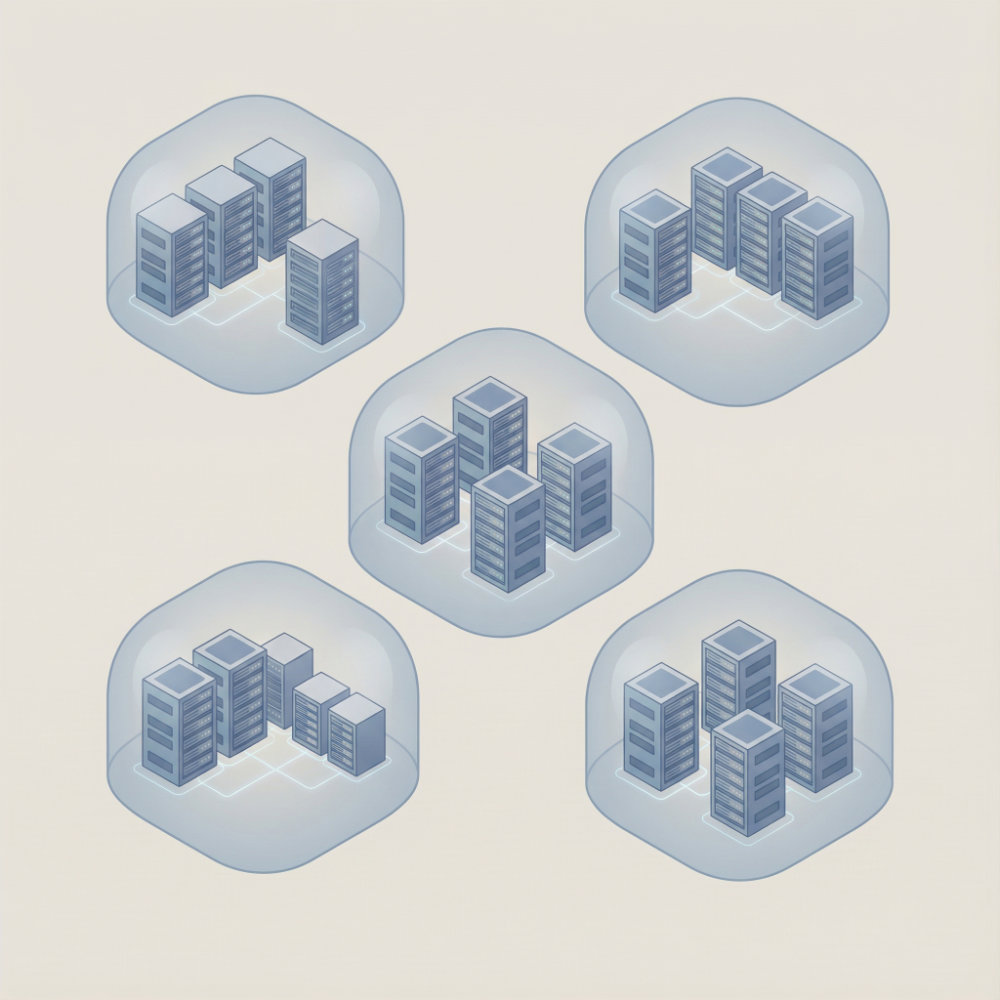
Customer 1 Environment
Customer 1 has their own private network.
Only their servers exist inside it.
They have scaled a bit and has a dedicated VPS for CRM and another for project management.
- VPS-C1-A
Application server- Mattermost
- Time tracking
- VaultWarden
- VPS-C1-B
CRM server- Twenty CRM
- VPS-C1-C
Project management- Plane
- VPS-C1-D
Analytics and AI- LightRAG
- Grafana
- PostgreSQL with TimescaleDB
These servers can talk to each other.
They cannot see any other customer.
Customer 2 Environment
Customer 2 has a separate private network.
This customer is in the starting phase and most apps run of one VPS.
- VPS-C2-A
Combined application server- Mattermost
- Time tracking
- VaultWarden
- Twenty CRM
- Plane
- VPS-C2-D
Analytics and AI- LightRAG
- Grafana
- PostgreSQL with TimescaleDB
Even though the tools are similar, the networks are fully isolated.
Why Private Networks Matter
Most security problems do not start with hackers.
They start with:
- Too much access
- Unclear boundaries
- Systems that were never meant to be public
A private network solves this at the foundation level.
What Headscale Does (In Plain Language)
Headscale creates a private, invisible network between servers. It enables an identity-based networking model that supports zero-trust principles.
Think of it like this:
- Servers get private addresses
- These addresses do not exist on the public internet
- Only approved machines can join
- Access rules are explicit
There is no shared password.
There is no “open network”.
Each server has its own identity. Each server must be explicitly approved and allowed to communicate with others.
Why This Is Better Than Traditional VPNs
Many traditional VPN setups create a flat internal network, where once access is granted, visibility is broad.
Once you are inside, you can usually see everything.
That creates risk.
With Headscale:
- Each server is known by identity, not location
- Access can be limited per server
- Removing access is instant
- One compromised server does not expose the rest
This reduces damage when things go wrong.
What Problems This Solves for a Business
1. Accidental Exposure
Databases, admin panels, and internal dashboards are not reachable from the internet.
They do not rely on firewalls being “perfect”.
If something is not explicitly exposed, it cannot be reached.
2. Client Separation
Each client has their own network.
This means:
- No shared internal traffic
- No accidental cross-access
- No risk of one client seeing another client’s data
This is important for trust and compliance.
3. Clear Responsibility
It is always clear:
- Which server belongs to which client
- Which systems can talk to each other
- Which systems cannot
This makes audits and reviews easier.
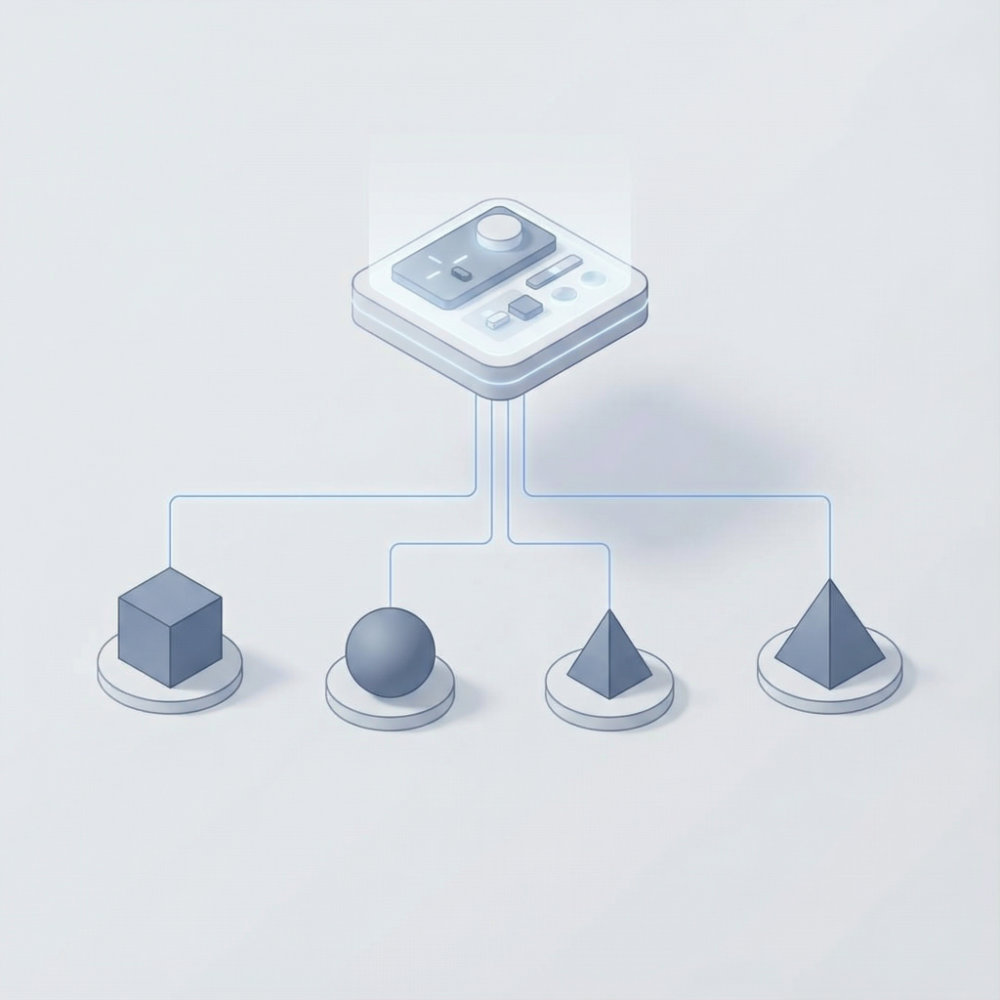
Where Coolify Fits In
Coolify is used as the management layer.
It acts as a centralized management and deployment control plane. It handles application lifecycle tasks such as deployments, updates, and configuration, but it does not sit in the runtime traffic path of applications.
It does not sit between users and applications.
It does not handle customer traffic.
Instead, it is used to:
- Deploy applications
- Update services
- Manage environment settings
- Monitor health
Coolify connects to each server using SSH, but those SSH connections run over a private network created with Headscale, not over public IP addresses.
It does not need public access to internal services.
Why Centralised Management Is Still Safe
A common concern is:
“If everything is managed from one place, isn’t that risky?”
This is where separation matters.
The control plane:
- Does not store customer application data. It only holds operational configuration and deployment metadata required to manage services.
- Does not sit inside customer networks
- Cannot directly access internal services without permission
If the control plane were compromised, the attacker would not automatically gain access to internal customer services, because those services are reachable only over private networks with explicit access rules.
This is a deliberate design choice.
How This Is Set Up (At a High Level)
Step 1: Build the Control Plane
- One VPS
- Locked-down access
- Coolify and Headscale installed
- Minimal public exposure
This server is treated as infrastructure, not a workspace.
Step 2: Create One Private Network Per Client
Each client gets:
- Their own Headscale namespace
- Their own access rules
- Their own isolated environment
Clients are separated by design, not by convention.
Step 3: Add Customer Servers
Each server:
- Joins only its client’s network
- Receives a private address
- Is invisible to other clients
Coolify can manage it.
Other customers cannot see it.
Step 4: Deploy Applications
Applications talk to each other using private addresses.
Databases and internal tools:
- Bind only to private interfaces
- Are never publicly exposed
Public access is added only where it is needed.
Operational Benefits That Matter Over Time
Predictable Growth
Adding a new client does not increase complexity for existing ones.
It is the same process every time.
Easier Troubleshooting
Problems are contained.
One client’s issue does not affect another.
Better Conversations with Clients
You can clearly explain:
- Where their data lives
- How access is controlled
- How isolation is enforced
This builds confidence without marketing language.
When This Approach Makes Sense
This setup works best when:
- You manage systems for multiple clients
- Data sensitivity matters
- You want long-term stability
- You want fewer surprises later
It is designed for steady, responsible growth.
Final Thought
Good infrastructure is not about complexity.
It is about clear boundaries.
When control, access, and responsibility are separated, systems stay understandable.
When systems stay understandable, they stay reliable.
That is what this architecture is designed to support.